
Best AI Assistants in 2026: Compare ChatGPT, Claude, Gemini & More
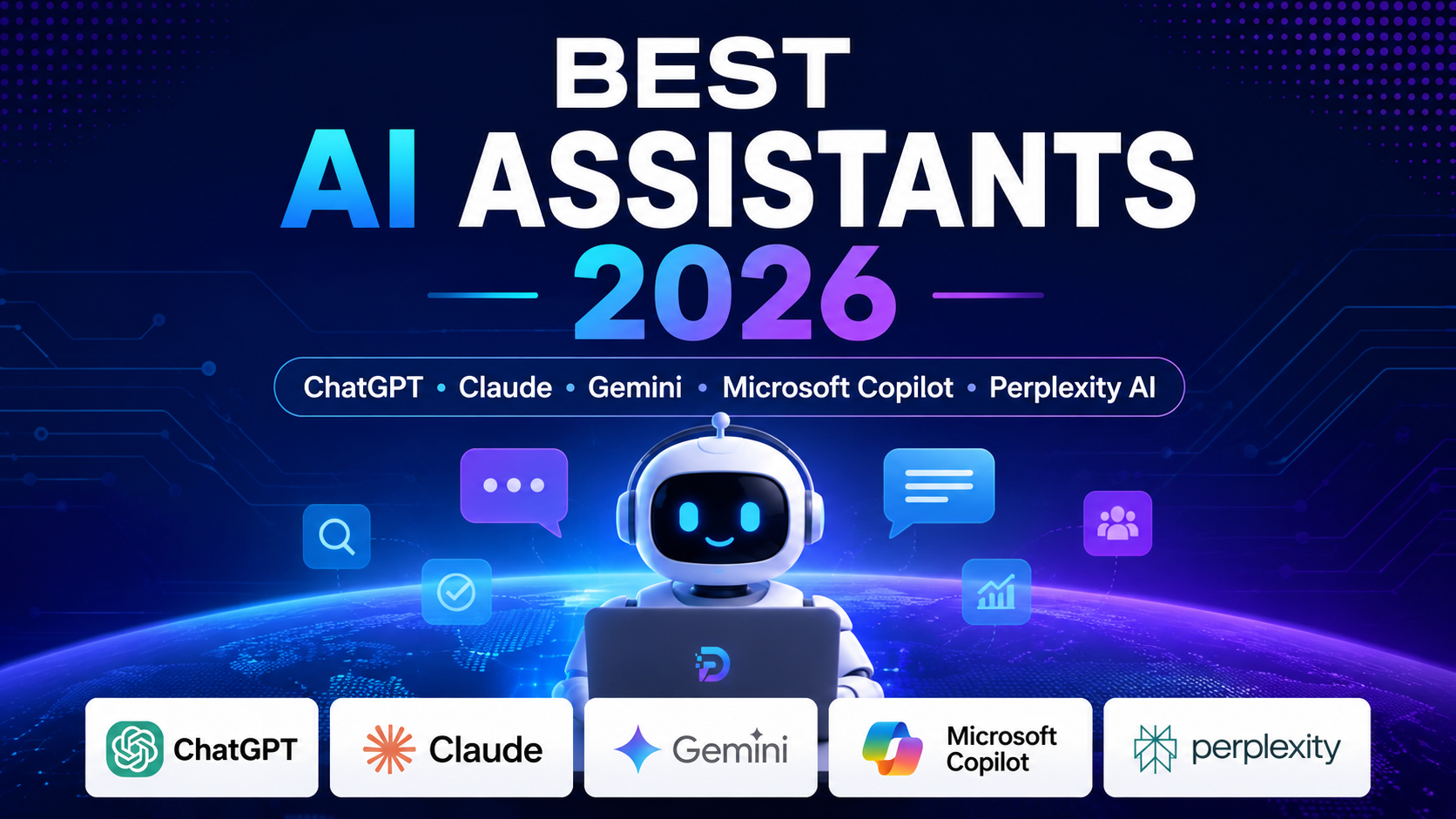
Best AI Assistants 2026 have become an essential part of modern work. Whether you’re writing content, developing software, managing projects, analyzing data, conducting research, or automating repetitive tasks, AI assistants can significantly improve productivity and decision-making. See how we evaluate AI tools to understand the criteria behind our recommendations.
Quick Comparison: Best AI Assistants 2026
| AI Assistant | Best For | Free Plan | Rating |
|---|---|---|---|
| ChatGPT | Writing, coding, research | ✅ Yes | ★★★★★ |
| Claude | Long documents & analysis | ✅ Yes | ★★★★★ |
| Gemini | Google Workspace integration | ✅ Yes | ★★★★☆ |
| Microsoft Copilot | Microsoft 365 productivity | Limited | ★★★★☆ |
| Perplexity AI | AI search & citations | ✅ Yes | ★★★★☆ |
Detailed Review of the Best AI Assistants 2026
The comparison table above provides a quick overview, but each AI assistant has unique strengths depending on your workflow, budget, and daily tasks. This detailed review of the Best AI Assistants 2026 covers their key features, advantages, limitations, pricing, and ideal use cases.
ChatGPT
⭐⭐⭐⭐⭐ 4.9/5
Best for: Writing, coding, research, brainstorming and everyday productivity.
ChatGPT by OpenAI remains one of the most versatile AI assistants in 2026. It excels at writing, programming, data analysis, brainstorming, content creation, and task automation. Thanks to its growing ecosystem and powerful language models, it is suitable for both beginners and professionals.
Key Advantages
- Excellent writing quality
- Powerful coding assistant
- Supports file analysis
- Large ecosystem of GPTs
- Fast and intuitive interface
Limitations
- Advanced features require ChatGPT Plus.
- May occasionally generate inaccurate information without verification.
Claude
⭐⭐⭐⭐⭐ 4.8/5
Best for: Long documents, deep analysis, professional writing, and research.
Claude, developed by Anthropic, is one of the most reliable AI assistants for long-form writing and complex reasoning. It excels at summarizing lengthy documents, producing natural text, analyzing reports, and helping professionals with research-intensive tasks. Claude is particularly appreciated for its thoughtful responses and strong context handling.
Key Advantages
- Excellent long-document analysis
- Very natural writing style
- Large context window
- Strong reasoning abilities
- Reliable for professional content
Limitations
- No real-time web access in some versions
- Some advanced features require a paid subscription
Gemini
⭐⭐⭐⭐☆ 4.7/5
Best for: Google Workspace users, web research, productivity, and everyday assistance.
Gemini, developed by Google, is deeply integrated with the Google ecosystem, including Gmail, Docs, Sheets, Drive, and Search. It is an excellent AI assistant for users who rely on Google Workspace and need help with writing, summarizing emails, brainstorming ideas, or analyzing information. Its multimodal capabilities also allow it to understand text, images, and other types of content.
Key Advantages
- Excellent integration with Google Workspace
- Fast access to current web information
- Strong multimodal capabilities
- User-friendly interface
- Good free plan for everyday use
Limitations
- Advanced features require a Google AI Pro subscription
- Performance can vary depending on the task compared with specialized AI models
Microsoft Copilot
⭐⭐⭐⭐☆ 4.6/5
Best for: Microsoft 365 users, business productivity, and enterprise workflows.
Microsoft Copilot is designed to enhance productivity across Microsoft 365 applications such as Word, Excel, Outlook, and Teams. It helps users draft documents, summarize meetings, analyze spreadsheets, and automate repetitive office tasks. For organizations already using Microsoft’s ecosystem, Copilot provides seamless integration and significant time savings.
Key Advantages
- Excellent integration with Microsoft 365
- Powerful document and spreadsheet assistance
- Useful for business and enterprise environments
- Strong productivity features
- Improves collaboration in Teams and Outlook
Limitations
- Most advanced features require a Microsoft 365 subscription
- Less suitable for users outside the Microsoft ecosystem
Perplexity AI
⭐⭐⭐⭐☆ 4.7/5
Best for: AI-powered search, fact-checking, research, and source citations.
Perplexity AI combines conversational AI with real-time web search, making it one of the best assistants for research and fact-based answers. Unlike traditional chatbots, it provides citations for its responses, helping users verify information quickly. It is particularly useful for students, researchers, journalists, and professionals who need accurate and up-to-date information.
Key Advantages
- Real-time web search with citations
- Reliable for research and fact-checking
- Simple and intuitive interface
- Fast access to current information
- Useful free version
Limitations
- Less suitable for creative writing than ChatGPT or Claude
- Some advanced features require a Pro subscription
How to Choose the Right AI Assistant
Choosing the right AI assistant depends on your goals, workflow, and budget. While every platform offers powerful capabilities, each one excels in different areas.
- Choose ChatGPT if you need an all-purpose assistant for writing, coding, brainstorming, and productivity.
- Choose Claude if you regularly work with long documents, detailed analysis, or professional writing.
- Choose Gemini if you rely on Google Workspace tools such as Gmail, Docs, Sheets, and Drive.
- Choose Microsoft Copilot if your daily work revolves around Microsoft 365 applications and business productivity.
- Choose Perplexity AI if your priority is research, fact-checking, and obtaining answers supported by reliable citations.
If you’re unsure where to start, ChatGPT remains the most balanced choice for most users thanks to its versatility, extensive ecosystem, and continuous improvements.
Frequently Asked Questions (FAQ)
Which AI assistant is the best overall in 2026?
ChatGPT remains the best all-around AI assistant thanks to its versatility, writing quality, coding capabilities, and large ecosystem.
Which AI assistant is best for research?
Perplexity AI is an excellent choice for research because it provides web search with reliable source citations.
Which AI assistant works best with Google Workspace?
Gemini integrates seamlessly with Gmail, Google Docs, Sheets, Drive, and other Google services.
Which AI assistant is best for Microsoft 365 users?
Microsoft Copilot is designed specifically for Microsoft 365 applications, making it ideal for Word, Excel, Outlook, and Teams users.
Is there a free AI assistant?
Yes. ChatGPT, Claude, Gemini, and Perplexity AI all offer free plans with different limitations.
Final Verdict
Best AI Assistants 2026 continue to transform the way people work, write, research, code, and automate daily tasks. Choosing the right AI assistant depends on your workflow, preferred ecosystem, and productivity needs.
For developers looking for programming-focused AI solutions, explore our Best AI Coding Tools 2026 guide to discover the most powerful AI coding assistants available today.
For most users, ChatGPT remains the best overall AI assistant thanks to its versatility, excellent writing quality, coding support, and continuous innovation. Claude excels in long-form writing and document analysis, Gemini is ideal for Google Workspace users, Microsoft Copilot integrates seamlessly with Microsoft 365, and Perplexity AI stands out for research and fact-checking.
As AI technology continues to evolve, the Best AI Assistants 2026 will become even more capable, helping individuals and businesses save time, improve productivity, and make better decisions every day.